Потрібна ваша допомога у тестуванні перекладу!
Якщо ви бачите помилки перекладу — напишіть нам, будь ласка, на форум про це.
Якщо ви бачите помилки перекладу — напишіть нам, будь ласка, на форум про це.
Приклад підготовки CSV-файлу
Важливо! Починаючи з версії 1.61b, перетворювати файл у CSV не обов'язково: можна використовувати звичайні формати Excel — xls і xlsx.
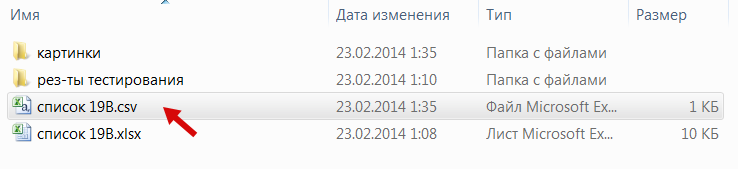
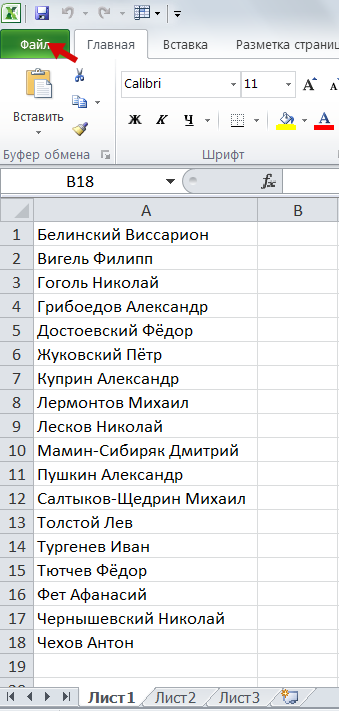
Припустімо, у нас є список групи у форматі Excel. Потрібно отримати з нього список у форматі CSV.
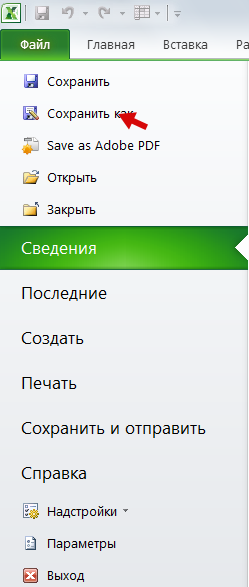
Вибираємо 1) «Файл» — 2) «Зберегти як»
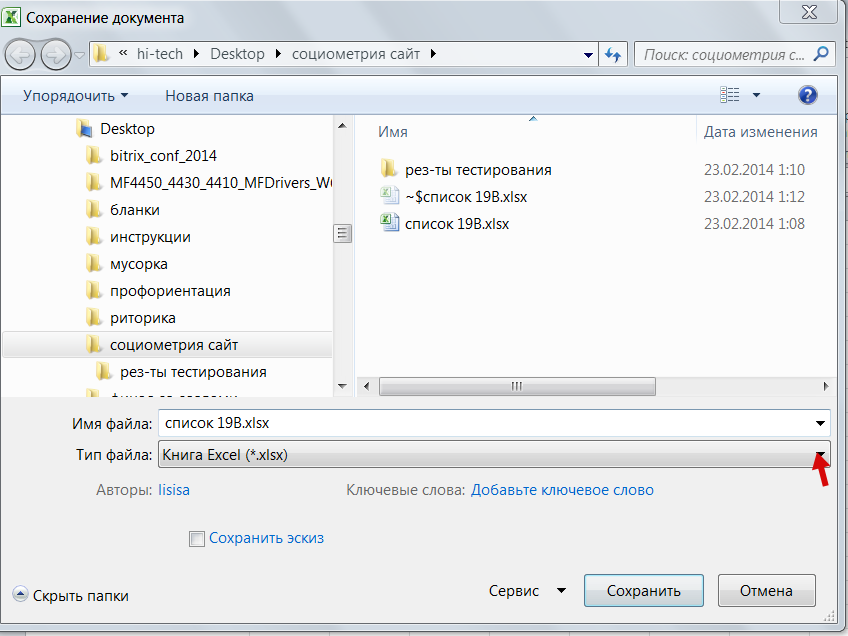
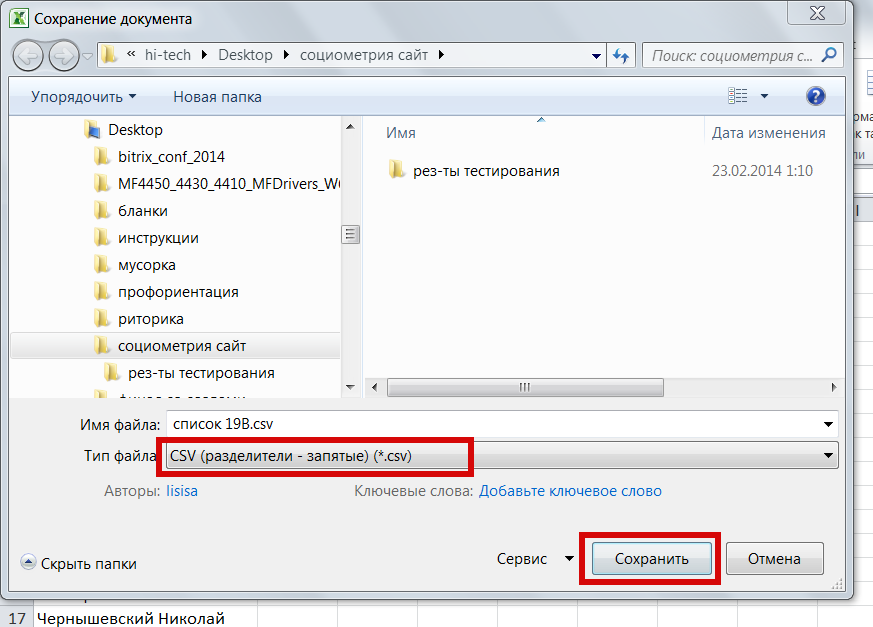
3) Серед типів файлу вибираємо «CSV (розділювачі — коми)»